ElvUI Docs

Search Docs

Classic · 繁體中文

Enter a search term.

Try a setting name or a few words from your question.
↑ ↓ Navigate ↵ Open esc Close

Enter a search term.

Appearance

Choose a display mode, then a holiday look or an accent color.

Theme
Accent color

Choosing a color uses the standard site appearance.

ElvUI blue by default. Class colors are adjusted for readable text and controls.

Controls enabled state of the Buffs & Debuffs that are typically near the minimap.

Reference details

Default valuetrue
In-game locationBuffs & Debuffs → Enable
Source referenceE.private.auras.enable
Verified ElvUI version15.26

Lets you control whether or not you would like to use ElvUI's Buffs and Debuffs module that you would typically find near the minimap.

Screenshots
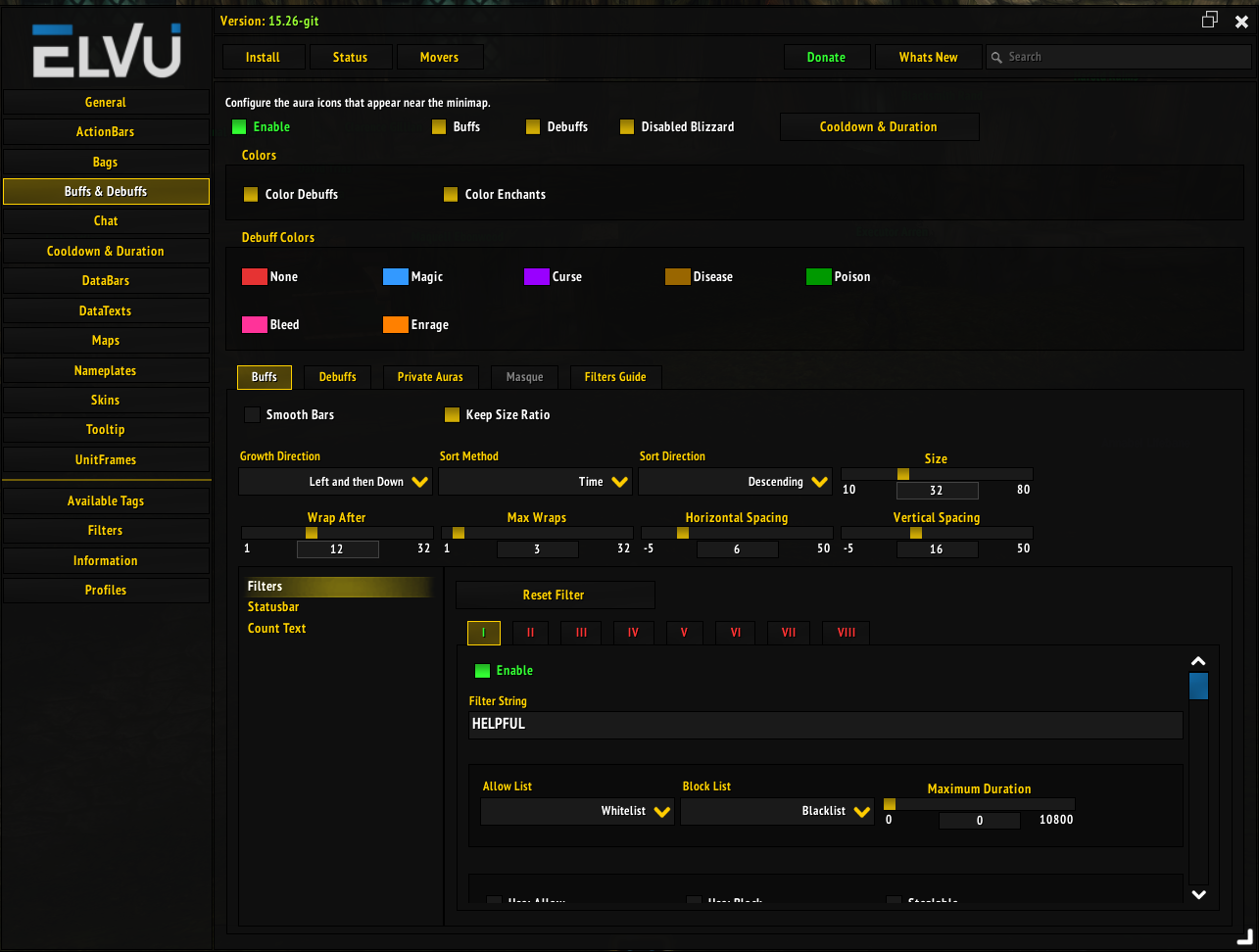
Buffs & Debuffs Section
Back to Buffs & Debuffs