Ein klarerer Blick auf ElvUI.
Verstehe die Einstellungen. Folge den Schritten. Finde die Antwort.
Anleitungen
Schritt für Schritt durch Einrichtung und häufige Aufgaben.
Options Reference
Verstehe Einstellungen und Unterschiede zwischen WoW-Versionen.
FAQs
Finde Antworten auf häufige Fragen.
Finde deinen Einstieg.
Beginne mit einer Anleitung oder entdecke die verfügbaren Optionen.
Anleitungen entdecken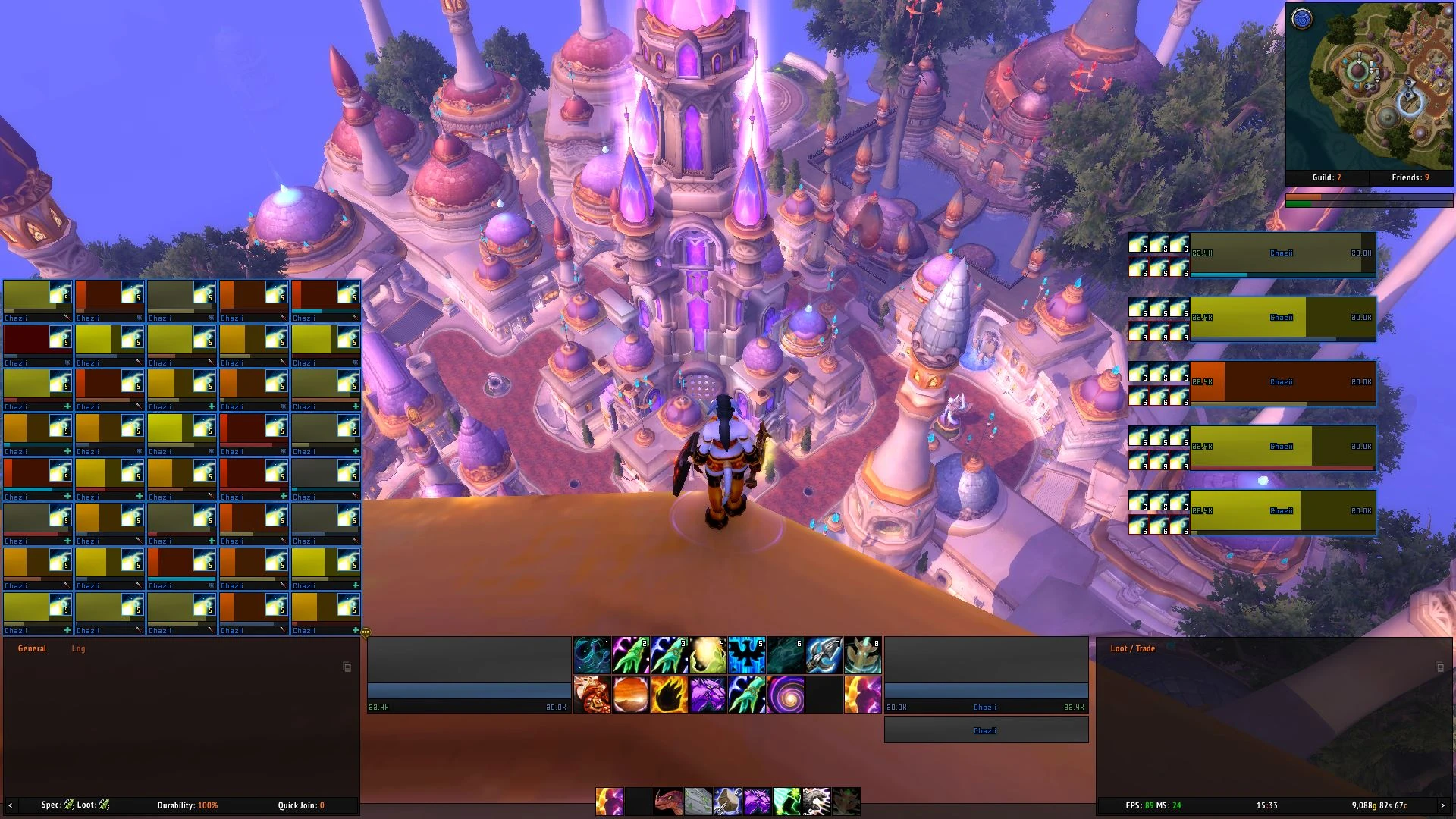
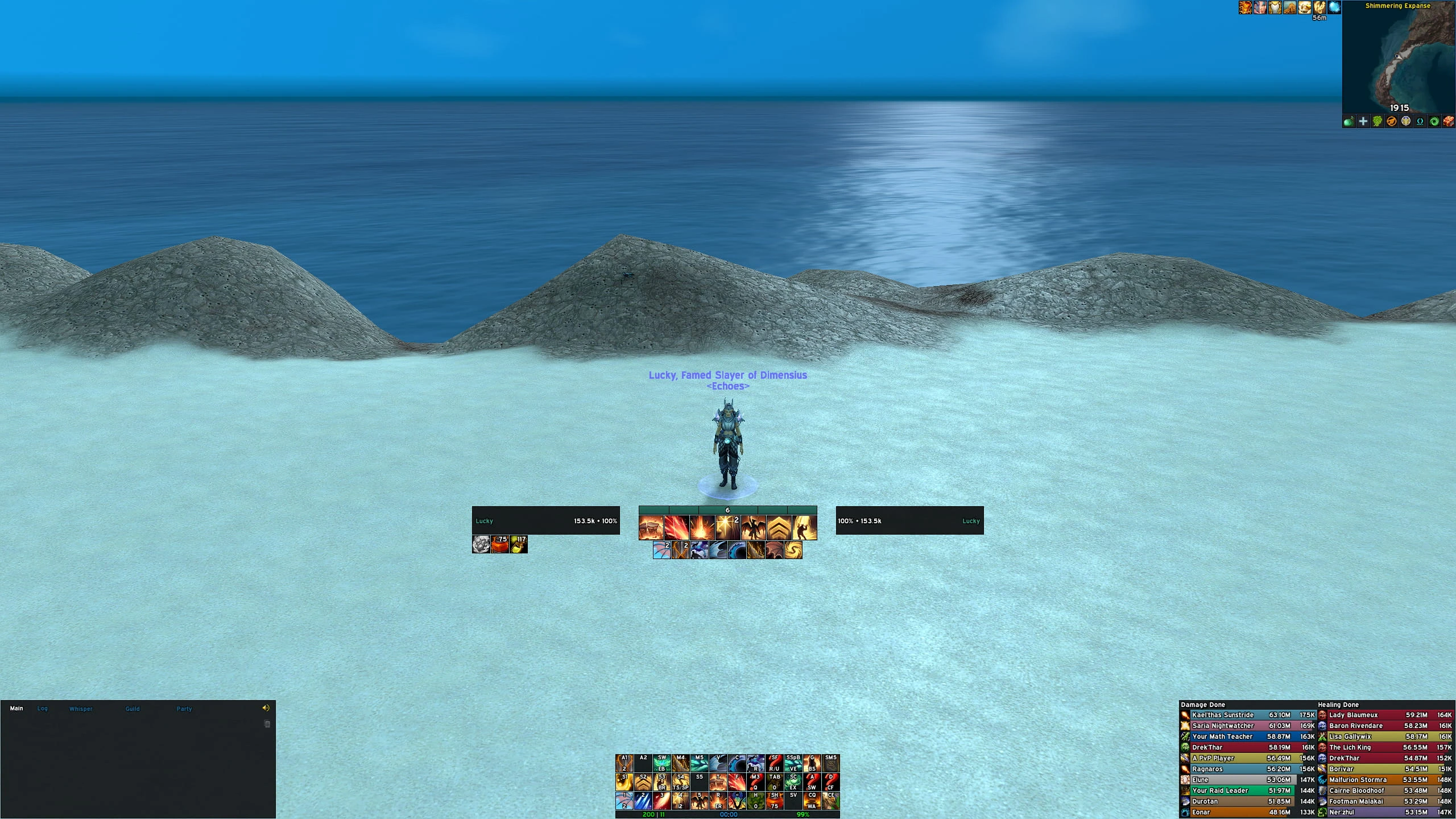
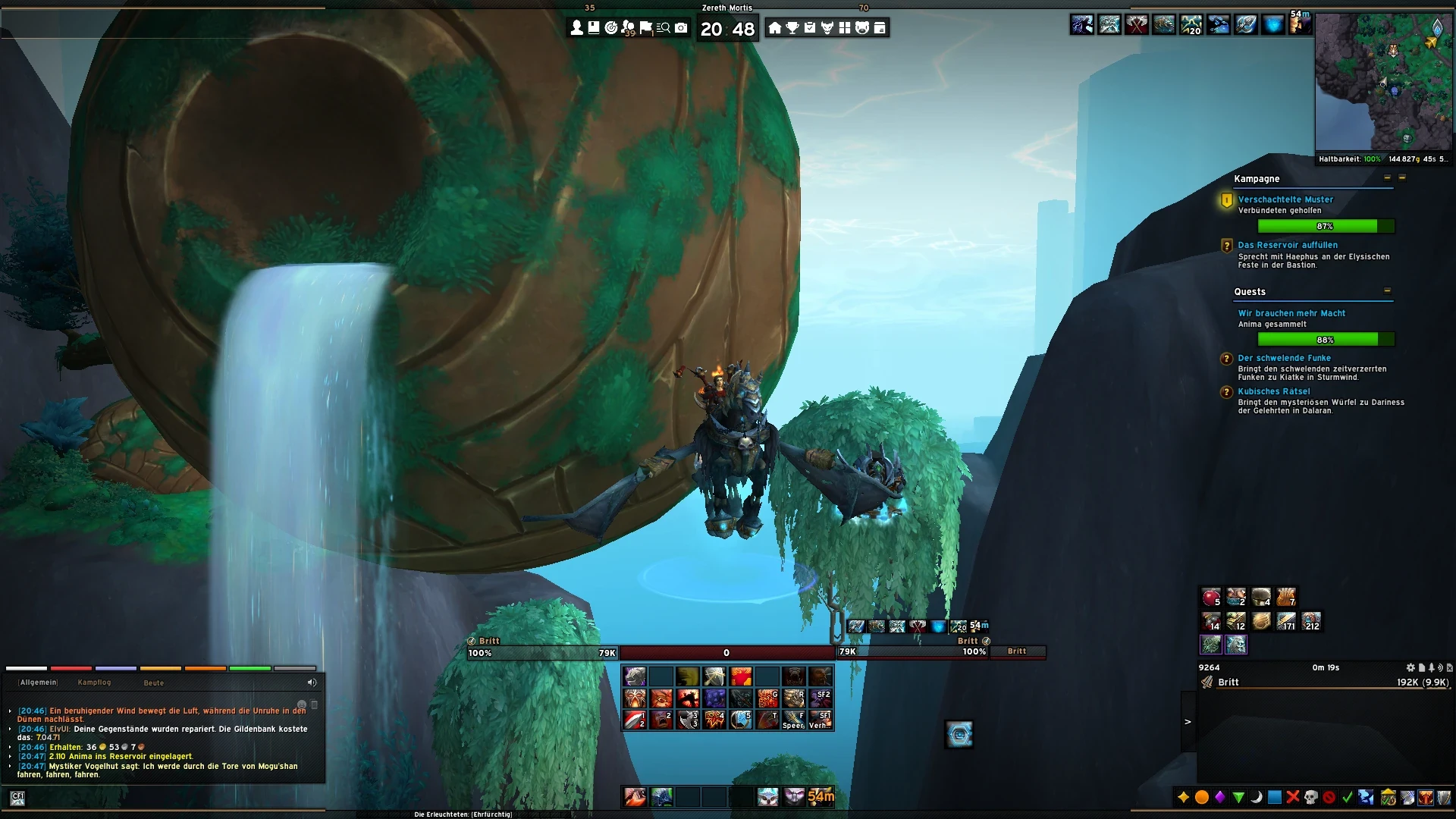
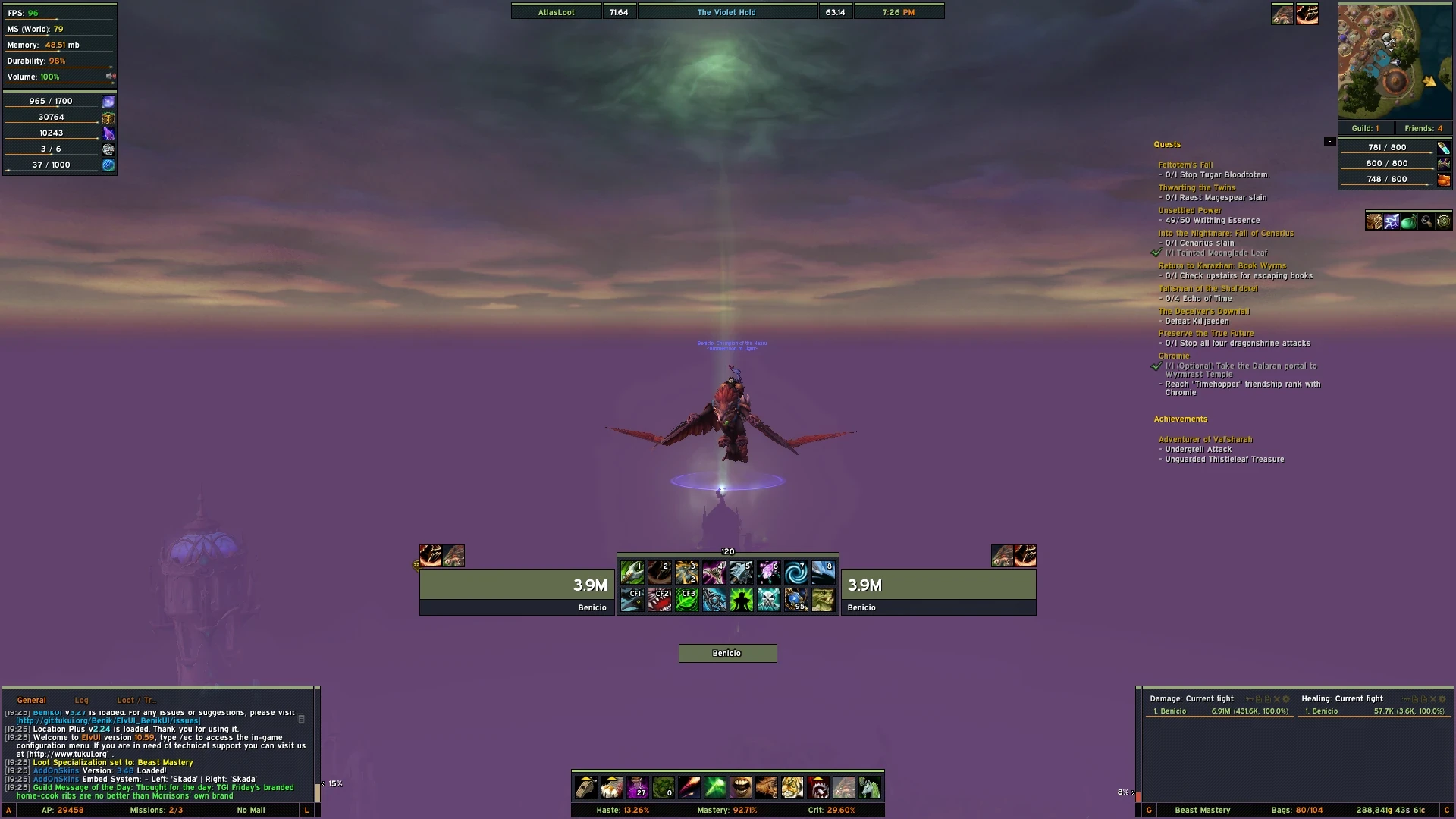
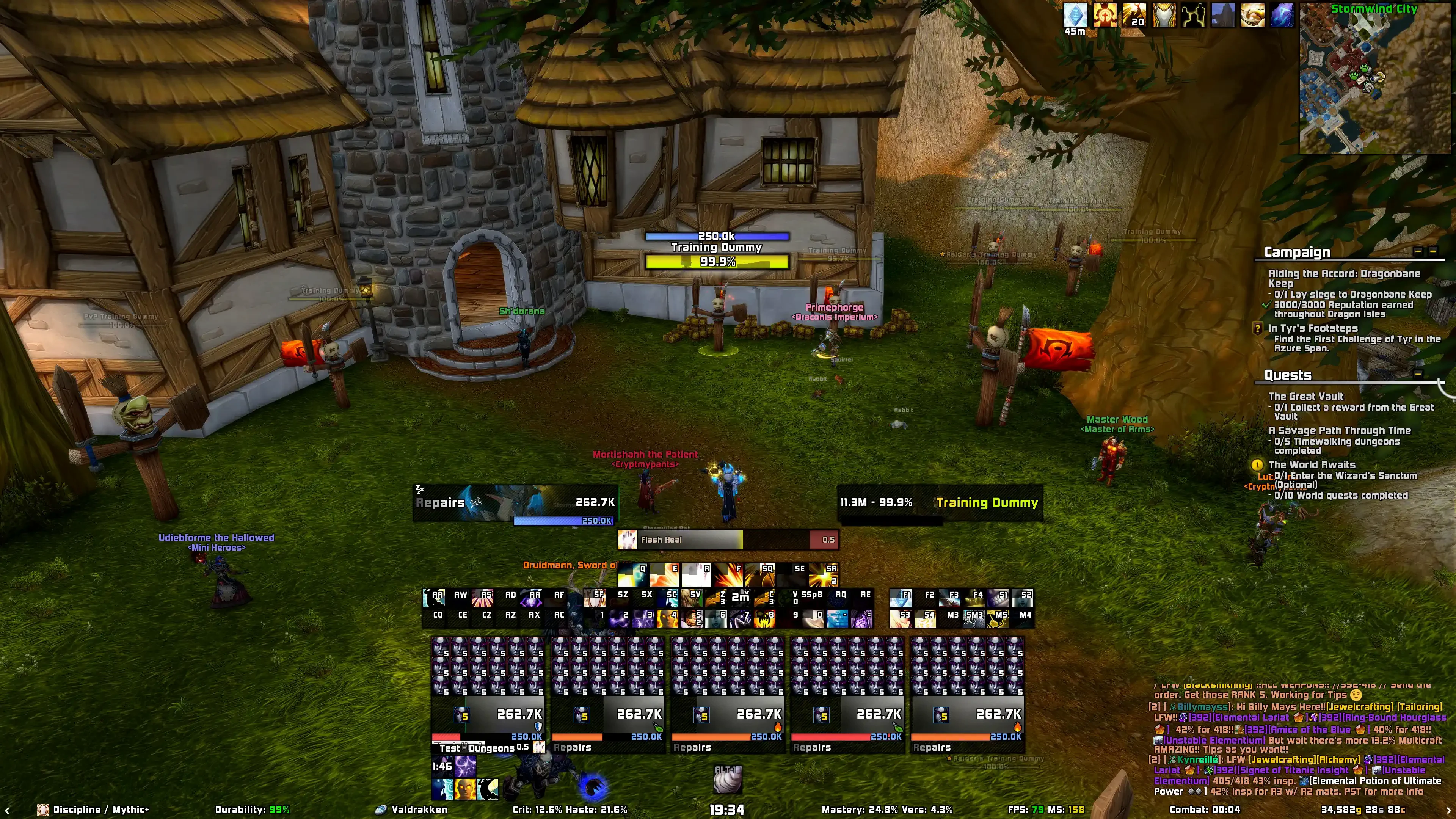
Häufige Fragen
Where can I download ElvUI and Tukui?Are private-server or old expansion versions supported?Where should I ask for ElvUI or Tukui help?Essential Commands
A few shortcuts go a long way.
Type these into your in-game chat.
Open options
/ecThe starting point for changing your interface settings.
Also works: /elvui
Move your frames
/emoveReposition your interface elements, then toggle mover mode off when you are finished.
Also works: /moveui
Set your keybinds
/kbAvailable when ElvUI action bars are enabled. Hover an action button and press the key you want to bind.
Paste into your in-game chat.Line things up
/egridUse a grid as a visual reference while arranging your interface.
Paste into your in-game chat.Check your setup
/estatusFind version and setup information when asking for help.
Paste into your in-game chat.Find more commands
/ehelpKeep the in-game command reference close at hand.
Also works: /ecommands